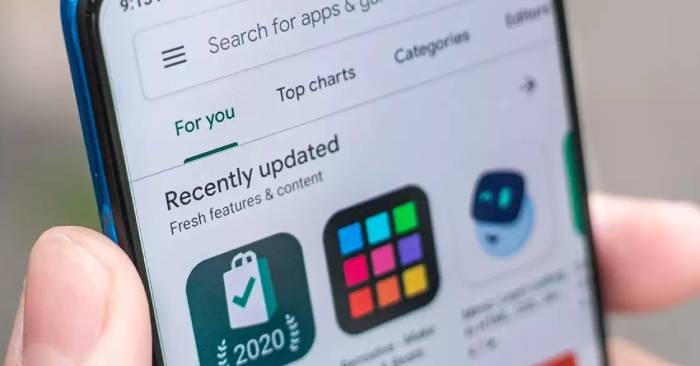
Google has taken action against a massive cybersecurity threat by removing 331 malicious apps from the Play Store. This crackdown follows the discovery of ‘Vapor Operation,’ a large-scale ad fraud and phishing campaign that compromised the security of over 60 million Android users. These apps disguised themselves as useful utilities like QR scanners and health trackers while secretly bombarding users with intrusive ads, stealing personal data, and even harvesting payment details.
What is Vapor Operation?
Security experts from Bitdefender uncovered the ‘Vapor Operation’ scam, which had been active since early 2024. Initially detected by IAS Threat Lab, the operation involved 180 apps generating around 200 million fake ad requests daily, deceiving advertisers and users alike. However, further research revealed the presence of 331 infected apps, significantly increasing the scale of the attack.


Some of the most downloaded fraudulent apps included:
- AquaTracker, ClickSave Downloader, Scan Hawk – Each with over 1 million downloads.
- TranslateScan and BeatWatch – Downloaded between 100,000 and 500,000 times.
These malicious apps primarily targeted users in Brazil, the US, Mexico, Turkey, and South Korea, with downloads occurring between October 2024 and March 2025.
How Did These Apps Bypass Google’s Security?
Despite Google’s strict app screening processes, the hackers behind Vapor Operation managed to evade detection by initially launching these apps as seemingly harmless, ad-supported tools. The real threat emerged later when malicious code was introduced through updates from remote command-and-control (C2) servers.
Once installed, these apps carried out deceptive tactics such as:
- Hiding their icons to prevent easy uninstallation.
- Mimicking legitimate system apps like Google Voice to avoid detection.
- Displaying full-screen ads that disabled the back button and hijacked user experience.
- Launching phishing attacks by displaying fake login pages for popular services like Facebook, YouTube, and online payment portals to steal credentials.
- Spreading scareware by falsely claiming that the user’s device was infected, tricking them into downloading more harmful software.
How to Protect Yourself from Malicious Apps
Although Google has removed these apps from the Play Store, affected users must take proactive steps to secure their devices. Here’s how you can stay safe:
- Be Selective with App Downloads – Only install apps from trusted developers, and always check reviews, ratings, and permissions before downloading.
- Scan for Hidden Malware – Go to Settings > Apps > See All Apps and compare it with visible apps on your device. If an app is installed but not visible, it could be malware.
- Enable Google Play Protect – Activate Play Protect in the Play Store settings to scan for security threats.
- Keep Your Device Updated – Regular software updates patch vulnerabilities that hackers exploit.
- Be Wary of Phishing Scams – Avoid clicking on suspicious pop-ups, especially those claiming your device is infected or requesting personal login details.
With cyber threats evolving constantly, staying vigilant and practicing good digital hygiene is essential for protecting your personal data and device security.