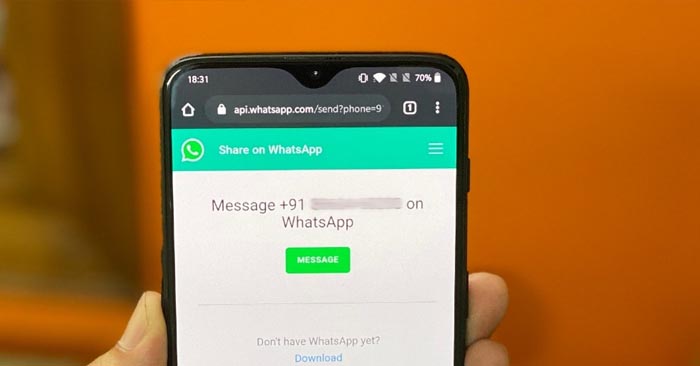
Want to unfriend that annoying WhatsApp contact who sends you good morning texts but doesn’t want to be blacklisted? This can be accomplished in a few simple steps.
The Meta-owned instant messaging company recently introduced a repackaged version of the archived conversation feature. Using the messaging feature, users can now permanently muffle a contact. So, if you have an unpleasant contact who sends you daily good morning texts or unsolicited forwards, simply start a chat with them.


Notably, the contact can be unarchived at any time.
Here’s how to mute someone on WhatsApp:
Step 1: WhatsApp should be updated.
Step 2: Open the WhatsApp app
Step 3: Choose the obnoxious contact. You have the option of selecting as many as you wish.
Step 4: Long tap the contact on Android and then click the [down arrow] at the top of the screen. Swipe to the left on iOS, or long touch the contact and select the archive option.
Step 5: The archive contacts can be viewed or unarchived with a single click on both iOS and Android
Here’s how to find archived contacts on WhatsApp:
The process is the same for both Android and iOS for WhatsApp.
Step 1: Open WhatsApp app.
Step 2: The Archive Chats feature of WhatsApp for iOS and Android appears at the top of the home screen.
Step 3: To access the archived chats, simply select the option from the drop-down menu.
The archive tab will not be shown if you do not have any contacts archived.
Here’s how to unarchive contacts on WhatsApp:
Step 1: On your Android or iPhone, open the WhatsApp app.
Step 2: Go to the top of the homescreen to the archive section.
Step 3: Long tap the contact you want to unarchive and select the option from the drop-down menu.
The updated version of the archive chat tool has the advantage that once a contact is archived, you will not be notified of any new